Community Return to multiportal.io
Skip to content

Compute & VMs

4 Topics 17 Posts

VDCs, VMs, templates, placement, and lifecycle management

  • GUI slow when QEMU agent not running

    2
    0 Votes
    2 Posts
    9 Views
    StellS
    Hey MikeD, thanks for the post! We’re aware of this bug and we’re already investigating it.
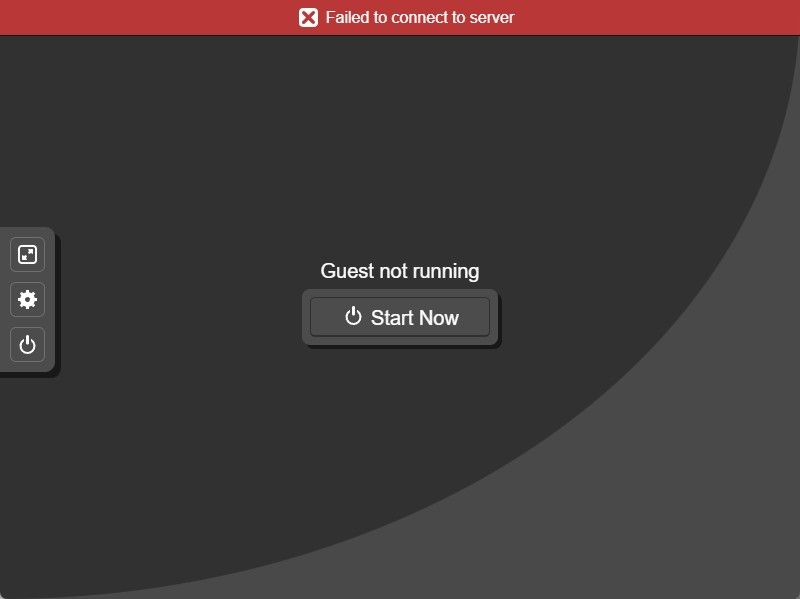
  • Console not working

    5
    1
    0 Votes
    5 Posts
    31 Views
    woodyW
    Hey @southwalesowl, Adding the 127.0.0.1 multiportal.calligo.cloud hosts entry just allows MultiPortal and the console server to talk to each other locally, however, the error you now have ECONNREFUSED 127.0.0.1:443 means the console server cannot reach MultiPortal locally on port 443. That loopback shortcut only works when MultiPortal is handling its own traffic directly on the server. Can you please confirm: MultiPortal was installed using the automated script? Is an SSL configured on the box, or are you using a Load Balancer for MultiPortal? Confirm the system is reporting on port 443 sudo ss -ltnp | grep ':443' You should see something like ⎿ LISTEN 0 4096 *:443 *:* users:(("caddy",pid=4140634,fd=7)) Can you also comment out that hosts entry you added to your MultiPortal server, restart the console server, and try connecting again? Let me know if the old error comes back after you regenerated the new API key. Matt
  • MultiPortal v1.1.3 – Several Issues Encountered with Proxmox VE 9.2.3

    4
    0 Votes
    4 Posts
    101 Views
    G
    I performed an additional test by running: php yii vm-post-task/process The command returns: Unable to get status for Proxmox task UPID:iaas-pve-s1-002:001E1CD9:01149D63:6A2D92BF:qmclone:103:multiportal@pve!ertyfghj: Proxmox task UPID:iaas-pve-s1-002:001E1CD9:01149D63:6A2D92BF:qmclone:103:multiportal@pve!ertyfghj: is still running, skipping... However, the clone operation has already completed successfully in Proxmox and the VM exists and is fully created. It appears that MultiPortal is unable to correctly determine the final status of the Proxmox clone task and continues to consider the UPID as running. This may also explain why the post-clone task never completes. Regarding the network issue, I can confirm that the network adapter is requested during deployment from the template, but it is never added to the VM. The network interface is missing not only in MultiPortal, but also in the VM configuration directly in Proxmox. As a result, the deployed VM is created without any network device attached. Could there be an issue with task status polling or UPID tracking in MultiPortal when used with Proxmox VE 9.2.3? One additional point that may be relevant: this is a brand new MultiPortal installation deployed in an offline environment behind a proxy. The documentation is not very explicit regarding offline deployments and proxy requirements, so I am not completely sure whether my installation is fully operational or if there are additional configuration steps required for this type of environment. Could you advise on how I can verify that the installation is healthy and fully functional? Are there any specific services, connectivity checks, background workers, queue processors, or diagnostic commands that should be validated after an offline installation behind a proxy? I would like to rule out any installation or connectivity issues before investigating the cloning and post-clone task problems further.
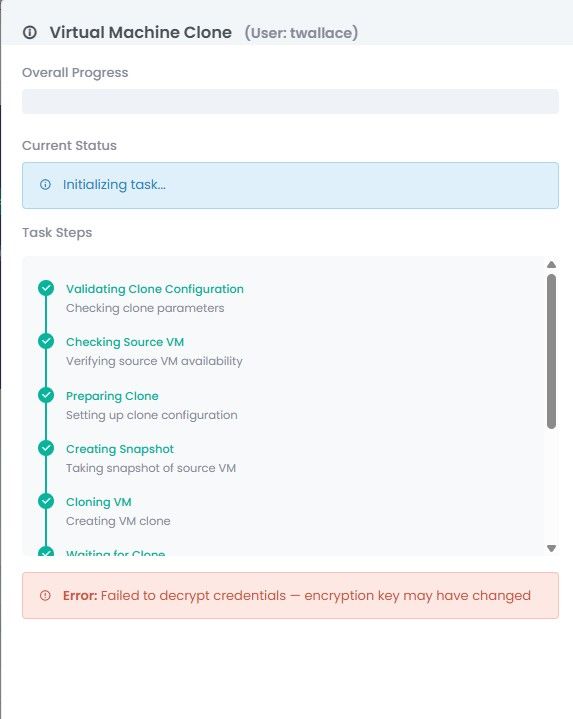
  • Decrypt credentials failure on VM create

    6
    1
    0 Votes
    6 Posts
    175 Views
    woodyW
    @heky said: But now in 1.1.3 there is another error Error: Validation failed: {“ciuser”:[“Username is required when any cloud-init field is set.”]} So probably you need to address this. Creation VM from template is not possible.[image: 1779944432275-screenshot-2026-05-28-at-07.00.08-resized.png] @heky Can you please see my message I incorrectly directed to Twallace-armor.